


Product description
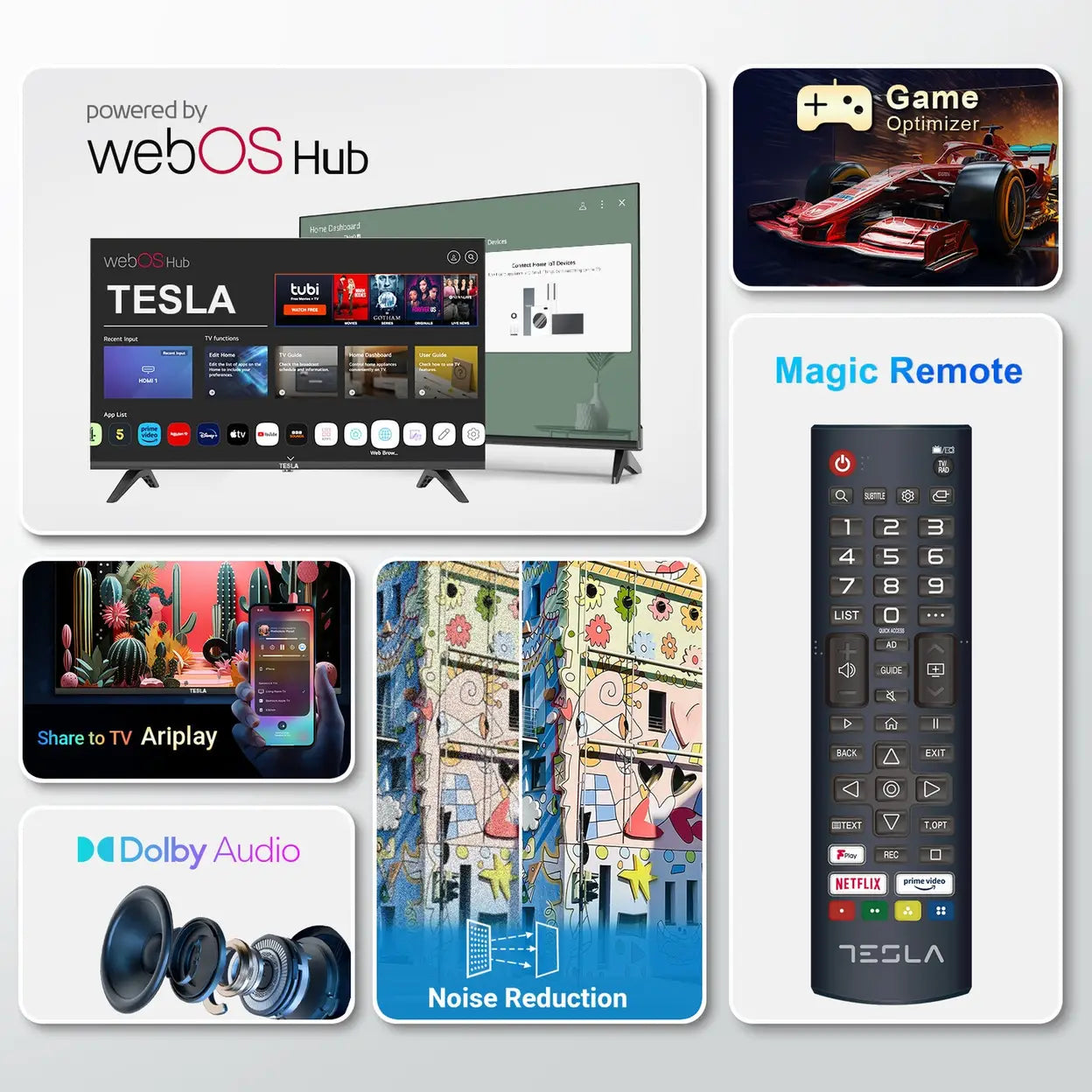
The Tesla 43″ 4K UHD Smart TV with Web OS combines a crisp, high-resolution display with smart functionality and a clean, modern design — making it a practical choice for living rooms, apartments, or home-theatre setups. With its 4K resolution and built-in Web OS platform, it delivers a great balance of picture quality, ease of use, and everyday functionality for streaming, TV watching, gaming, and more.
-
43″ 4K UHD (3840 × 2160) resolution — sharp, detailed image quality for films, shows, and games
-
Web OS smart platform — built-in operating system giving access to streaming apps and smart-TV features
-
3 × HDMI + 1 × USB ports — connect consoles, media players, or external drives
-
Built-in Wi-Fi — stream content and apps without extra devices
-
Standard built-in speakers — adequate for everyday viewing
-
Slim, modern design — blends well into most living rooms
Usage Instruction:
- Unbox the TESLA 43" Direct LED 4K HDR Smart Web OS TV and place it on a stable surface or mount it on the wall using the provided mounting kit.
- Connect the TV to a power source and turn it on.
- Follow the on-screen instructions to set up the TV, including connecting to Wi-Fi and signing into your account for the Web OS platform.
- Use the remote control to navigate through the Web OS interface and access streaming services, apps, and settings.
- Connect external devices such as gaming consoles, Blu-ray players, or sound systems using the HDMI ports.
- Adjust picture and sound settings to your preference using the TV’s menu.
- For optimal viewing, dim the lights in the room or use the TV in a dark environment.
- Regularly update the TV’s software to ensure you have the latest features and security patches.
- When not in use, turn off the TV to conserve energy.
Safety Warning
- Ensure the TV is installed on a level surface or securely mounted to prevent tipping over.
- Do not block the ventilation slots to prevent overheating.
- Keep the TV out of reach of children to avoid any potential hazards.
- Do not attempt to repair the TV yourself; contact a professional for any repairs.
- Ensure the TV is properly grounded to prevent electric shock.
- Avoid placing the TV near water or in humid environments.
- If the TV is not working properly, unplug it and contact the manufacturer or a professional for repair.
- Always follow the manufacturer’s instructions for use and maintenance to ensure safe operation.
Child Safety Instructions
- Not suitable for children to operate without adult supervision.
- Ensure the TV is securely placed or mounted to prevent tipping.
- Keep remote controls and other small parts out of reach of children to avoid choking hazards.
- Supervise children closely if they are in the same room as the operating TV.
- Teach children the importance of not touching the screen or any other part of the TV while it is in operation.